
What to look for in a calling and messaging app
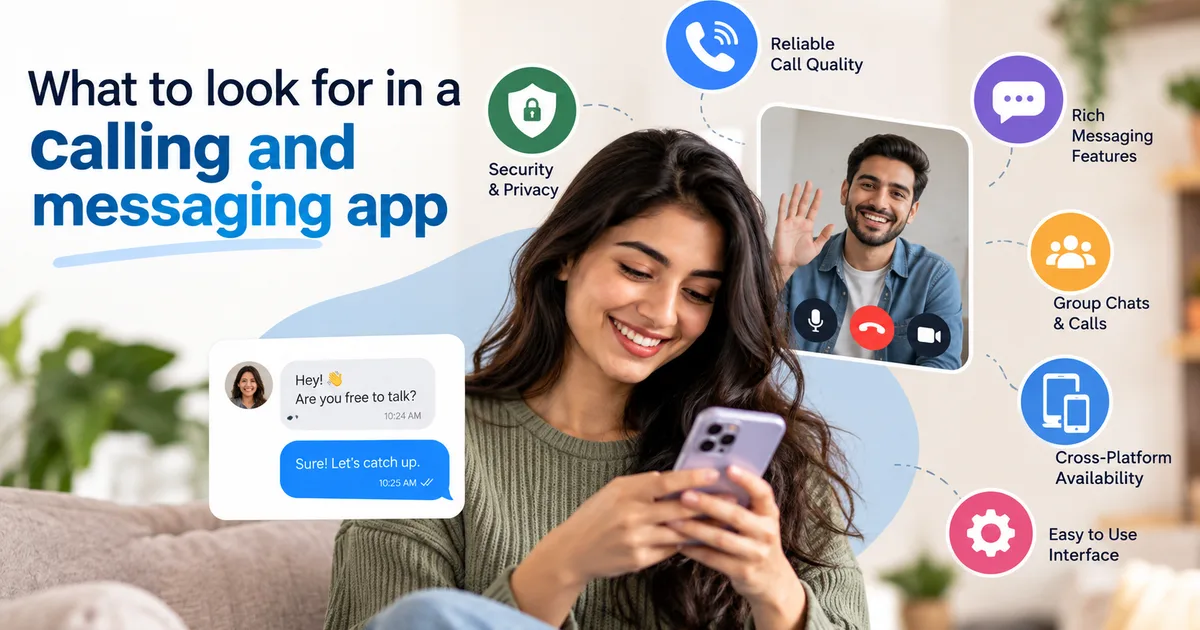
If your family is spread across countries, the app you use to stay in touch matters more than almost any other app on your phone. Most people already have one or two installed, and there is no rule that says you can only use one. But when you are choosing an app for the calls that matter, such as the Sunday call home or the group call on Eid, a few things are worth checking first. Here is a simple checklist.
1. Calls that sound clear and keep going
The first test of any calling app is the call itself. Look for:
- Clear voice on Wi-Fi and on mobile data. Your parents may be on home Wi-Fi while you are on 4G on the way home from work.
- Video that adjusts to the connection. A good app lowers the picture quality on a weak signal instead of freezing or dropping the call.
- Calls that ring when the app is closed. If a call only rings while the app is open, people miss it.
- Bluetooth and speaker support, so you can talk hands-free.
Connect Me Call carries voice and video over the internet, app to app. On a strong connection the picture gets sharper; on a weak one the app lowers the quality to keep the call going, and you can switch the camera off at any time. Call quality always depends on both people's connection, so Wi-Fi is the best choice for long video calls.
2. Group calls for the whole family
One-to-one calls are only half of it. When a family lives in Karachi, Manchester and Toronto, the big moments happen on group calls. Check that the app supports group voice and group video calls, and that people who miss the first ring can still join.
Connect Me Call supports both, and you can start a call straight from a group chat so everyone is invited at once. How many people can join depends on your pack. Our guide to group video calls with family abroad has tips for calls everyone enjoys.
3. Chat for everything between calls
Most family contact is not a call. It is a photo of the new baby, a voice note from a grandparent, or a document someone needs in a hurry. A good app keeps all of that in one place:
- Text chat and group chats
- Photos, videos and files
- Voice notes, for when typing is hard or you just want to hear someone
- Location sharing
- Status updates that disappear after 24 hours
Connect Me Call has all of these, alongside calling, so you do not need a separate app for messages.
4. A cost you understand
"Free" can mean many things, so check exactly what you get. Internet calls avoid international call charges from your mobile operator, but they use data, and many apps have limits.
With Connect Me Call:
- Every account has a free pack of calling minutes that renews each period.
- You can watch a short ad for extra free minutes, or add a paid pack or top-up if you call a lot.
- Only the caller uses minutes. The person who answers uses none, so relatives can always pick up.
- A dropped call costs nothing. If a call drops on a weak network, it does not use your minutes.
Mobile data is separate: your operator charges for that, and video uses much more than voice. Our guide to how much data a call uses explains the difference.
5. Privacy controls you can actually find
You share family photos, phone numbers and private conversations through these apps, so it is worth looking at the controls before you need them. Look for:
- The option to hide when you were last online
- Blocking and reporting unwanted contacts
- A way to change your number without losing your chats
- Chat backup, so a new phone does not mean starting again
- Deleting your account when you want to
Connect Me Call includes each of these in the app's settings. Whichever app you choose, read its privacy policy to see how your messages, calls and backups are handled.
6. Easy enough for your parents
The best app is the one everyone in the family can actually use. That usually means:
- Signing in with a phone number, not a username and password to remember
- Contacts found automatically, so nobody has to search for anyone
- Big, familiar call buttons
Connect Me Call signs you in with your mobile number and a one-time code sent by SMS, then shows which of your contacts already use the app. Calls go from app to app, so the people you call need it too. If you are setting it up for parents or grandparents in another country, start with one test call together, and check the microphone, camera and notification permissions.
The short version
| What to check | Why it matters |
|---|---|
| Call quality on Wi-Fi and data | The call is the reason you are using the app |
| Group voice and video | Family moments happen in groups |
| Chat, photos, voice notes, files | Most contact happens between calls |
| Clear costs | "Free" should not hide surprises |
| Privacy controls | You share personal things |
| Easy sign-in and contacts | Everyone in the family needs to use it |
Try Connect Me Call
You do not have to give up the apps you already use. Install Connect Me Call, invite the people you call most, and see whether it fits your family. You can see everything it does on our features page, and if your family is in Pakistan, India, Bangladesh, the UK or the USA, our country guides have the details. Questions? Our support page can help.
Download the app
Free voice and video calls, group calls and chat with the people who matter, wherever they are.