
How to make free international calls with Connect Me Call
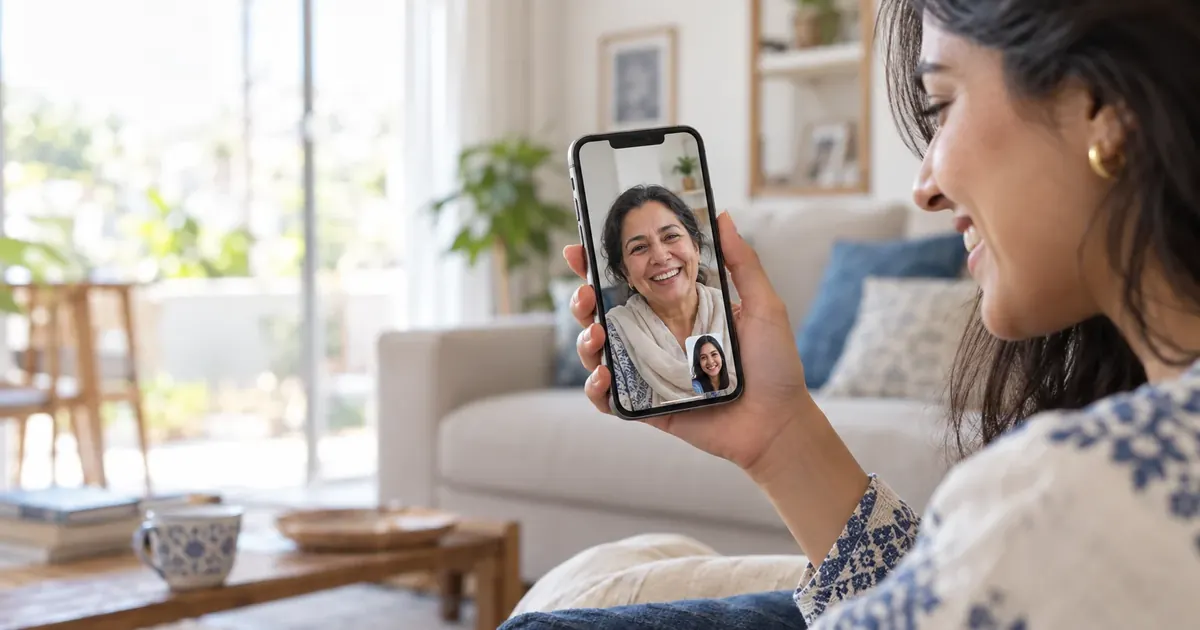
Calling someone in another country used to mean buying a calling card, adding an international bundle to your phone plan, or watching the minutes tick away on your bill. Today the easiest way to stay in touch across borders is a free calling app that carries your voice over the internet instead of the phone network. This guide shows you how to start making international calls with Connect Me Call in a few minutes.
What you need
- A smartphone with Android or an iPhone.
- An internet connection: Wi-Fi at home, or mobile data when you are out.
- The person you want to call needs the app too. Calls go from one Connect Me Call app to another, so it works best when the whole family installs it.
Step 1: Install the app and sign in
Download Connect Me Call from your phone's app store and open it. Enter your mobile number and the one-time code we send you by SMS. There is no password to remember: your number is your account.
Step 2: Find the people you want to call
Allow access to your contacts and the app shows which of them already use Connect Me Call. Anyone who is not on it yet is one invite away. Because the app works with numbers from any country, a cousin in London and an uncle in Lahore appear in the same list.
Step 3: Start the call
Open a contact and tap the phone icon for a voice call, or the camera icon for a video call. The other person's phone rings like a normal call, even when the app is closed. You can switch a voice call to video at any time, and add more people to turn it into a group call.
How "free" works
Every account starts on a free pack: a pool of calling minutes that renews each period. If you need more, you can watch a short ad for extra free minutes, or add a paid pack or top-up. Two details make the free pack go further:
- Only the caller uses minutes. If your sister calls you, the call does not come out of your pack. Even someone whose minutes have run out can still answer.
- A dropped call costs you nothing. If a call drops on a weak network, it does not use your minutes.
The call itself travels over your internet connection, so there are no international call charges from your mobile operator. If you are on mobile data, the call uses some of your data allowance, so Wi-Fi is the better choice for long video calls.
Tips for clear international calls
- Use Wi-Fi when you can. A stable connection gives the clearest sound and picture.
- Check permissions. The app needs the microphone for voice calls and the camera for a video call. If the other person cannot hear or see you, check these in your phone's settings.
- Keep the app updated. Updates bring call-quality improvements.
- Mind the time difference. A quick message before a long call saves waking someone at 3 a.m.
Calling a particular country?
We have short guides for the places our users call most: free calls to Pakistan, India, Bangladesh, the UK and the USA. For the best quality at home, see how free Wi-Fi calling works.
Ready to try it?
International calls do not have to be expensive or complicated. Install Connect Me Call, invite the people you call most, and your next call home is a tap away. See everything the app can do on our features page. If anything does not work as expected, our support page has answers to the most common questions.
Download the app
Free voice and video calls, group calls and chat with the people who matter, wherever they are.