
Before you fly: set up calls home before you leave
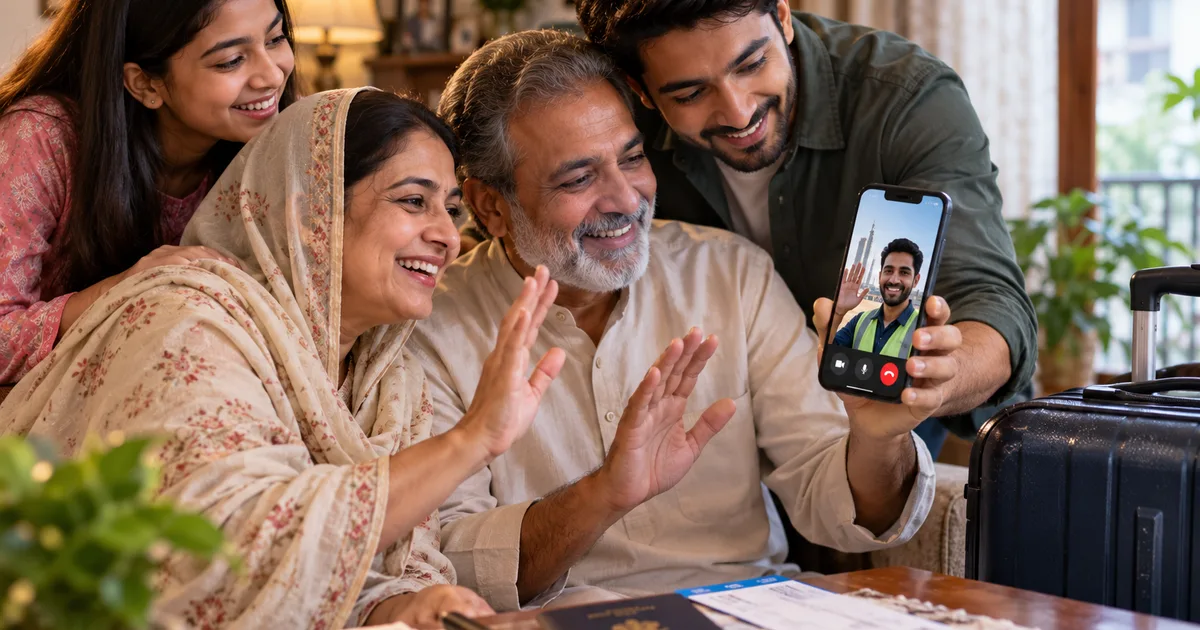
The hardest time to set up a calling app for your parents is after you have left. You are in a new country on a new SIM, they are at home with a phone they do not fully trust, and every step has to be explained over a crackling line. The easiest time is the week before you fly, when you are all in the same room. Here is a checklist that takes about an hour, spread over a few evenings.
1. Install the app on everyone's phone, together
Install Connect Me Call on your own phone and on the phone of each person you will call: parents, a brother or sister, a wife or husband. The app appears as Connect Me on the home screen. Sign each phone in with its own number and the SMS code; there is no password to remember later.
Do this on the family's home Wi-Fi so nobody's data is used, and put the app on the first screen of each phone, next to the apps they already use.
2. Say yes to every permission, and explain why
The app asks for contacts, microphone, camera and notifications. Each one has a reason, and this is the step that goes wrong most often when it is done remotely:
- Contacts so the app shows who is already on it.
- Microphone and camera for voice and video calls.
- Notifications so the phone rings when you call, even when the app is closed.
On many Android phones the app then asks to keep running in the background, and on vivo, Xiaomi, Oppo and Huawei phones it may open an Autostart page. Allow both. Without them, the phone may pause the app to save battery, and your calls ring late or not at all.
3. Make the three test calls
While you are still at home, from your own phone:
- A voice call to each person. Can they hear you clearly?
- A video call. Does the camera show their face? Show them how to switch the camera off and on, which is what keeps a call going when the signal is weak.
- A call with the app closed. Ask them to close the app, then call again. If it does not ring, the fix is in the phone's Settings under Connect Me: turn on notifications and background use.
Then start a family group and make one group call, so the first group call is not a surprise on Eid.
4. Agree on a time, and on who calls
Pick a regular time that works with the time difference and your shifts. The UAE is one hour behind Pakistan, Saudi Arabia is two hours behind; the UK is four or five hours behind, and the USA is a different day. A call every Friday or Sunday at the same hour is easier to keep than a surprise.
Decide that you will make the calls. On Connect Me Call only the person who starts the call uses minutes from their pack, so if you call, your parents never need to think about minutes or buy anything. They just answer.
5. Teach the two things that matter when calls do not fit
Shifts change. Show your family two things in the chat:
- Voice notes. Hold the microphone, talk, let go. You can listen after a late shift and reply the same way.
- Photos. A picture of the new room, the new city, the first pay slip. Small things keep a family close.
Both arrive even when the call cannot happen, and the next call starts from there.
6. Write down the basics
Leave a note on the fridge, in the language your parents read best: what the app is called, that it needs Wi-Fi or data, how to answer a call, and your new number once you have it. If a nephew or neighbour is good with phones, tell them you will call them first if something stops working.
Once you have landed
Sign in on your new SIM when you have it. Your account follows your number, and if your number changes later the app can move it without losing your chats. Make the first call home the evening you arrive, even if it is short. It is the call they are waiting for, and it proves the setup worked.
For the details of your route, see our pages on calling Pakistan, India and Bangladesh, and our guide to setting the app up for parents from far away if you have already left.
Download the app
Free voice and video calls, group calls and chat with the people who matter, wherever they are.